Hook Sprint
Read the Seedance short-video playbook→
Text to Viral Video GeneratorHook-first short videos
Create prompt-based videos for TikTok, Reels and Shorts. Start with a hook, UGC or brainrot preset, then choose your model and video settings.
Paid plans only · TikTok viral video presets + Seedance model controls
See Viral Formats in Motion
Browse example clips for visual inspiration. These are sample videos, not a preview of your own generation.
Text to Viral Video Generator
Build TikTok viral video variants with creative modes, platform targets, hook strategy controls, and Seedance model lanes.
Preview
Example · not your generated result
Meme Remix
Example meme format. Start an original surreal character scene for Shorts.
Sample video · open the studio to generate your own
Choose a brainrot prompt direction
Compare three original visual ideas, then edit your chosen prompt in the generator. These choices guide the scene; captions, music and overlays need a separate editor.
Chaos level
Normie
SAFE
A simple subject, one action and a steady camera.
Prompt direction
- ▸One subject and one action
- ▸Steady camera direction
- ▸Simple background
An original lemon character gently waves from a sunny kitchen table. One continuous shot, steady camera, simple background, no text or logos.
Edit this prompt in generator →Explore scene inspiration
These reference illustrations suggest original scenes. Choose an idea to open a text prompt; the generator does not composite game footage or create a split-screen edit.

Illustration reference
Scene inspiration
Original prompt idea
Neon runner concept
A colorful moving scene as inspiration for an original runner clip.
Pick a scene idea
An original small robot runs along a neon-lit walkway in a futuristic city. One continuous camera follow, colorful lights, vertical composition, no game branding, text or logos.
Use this scene idea →Use cases for the text to viral video generator
Explore prompt-led visual concepts for TikTok, YouTube Shorts and faceless channels. Add your final edits before posting.
Format router
Stop guessing the edit format.
Start with a channel goal, describe the visual action, then choose an available model and video format. Review the generated clip before adding captions or audio.
01 TikTok hook tests
02 Shorts batch variants
03 Faceless retention loops
01HOT
TikTok hook generator
Describe a visual hook and generate a short vertical clip to test with your audience.
tiktok hookbrainrot9:16 video
- ▸Prompt-led visual direction
- ▸Model and format controls before generation
- ▸9:16 export ready for TikTok
02SHORTS
YouTube Shorts ideas
Explore short-form concepts with text prompts and image references.
youtube shortsfacelessvoiceover
- ▸Text-to-video generation
- ▸Playbook prompts for story-time concepts
- ▸Preview completed clips before downloading
03RETENTION
Brainrot visual concepts
Turn a surreal idea into a video concept, then add your own captions or edits before posting.
surreal videoimage referencememe concept
- ▸Describe characters, scenes and camera motion
- ▸Use image references where supported
- ▸Choose a supported aspect ratio
// THE CREATIVE INDEX / 12 DIRECTIONS
Find your next visual obsession.
Music-inspired performances, strange little stories and scenes that bend reality. Explore twelve creative directions, pick a prompt and give it your own twist.
 Characters & stories
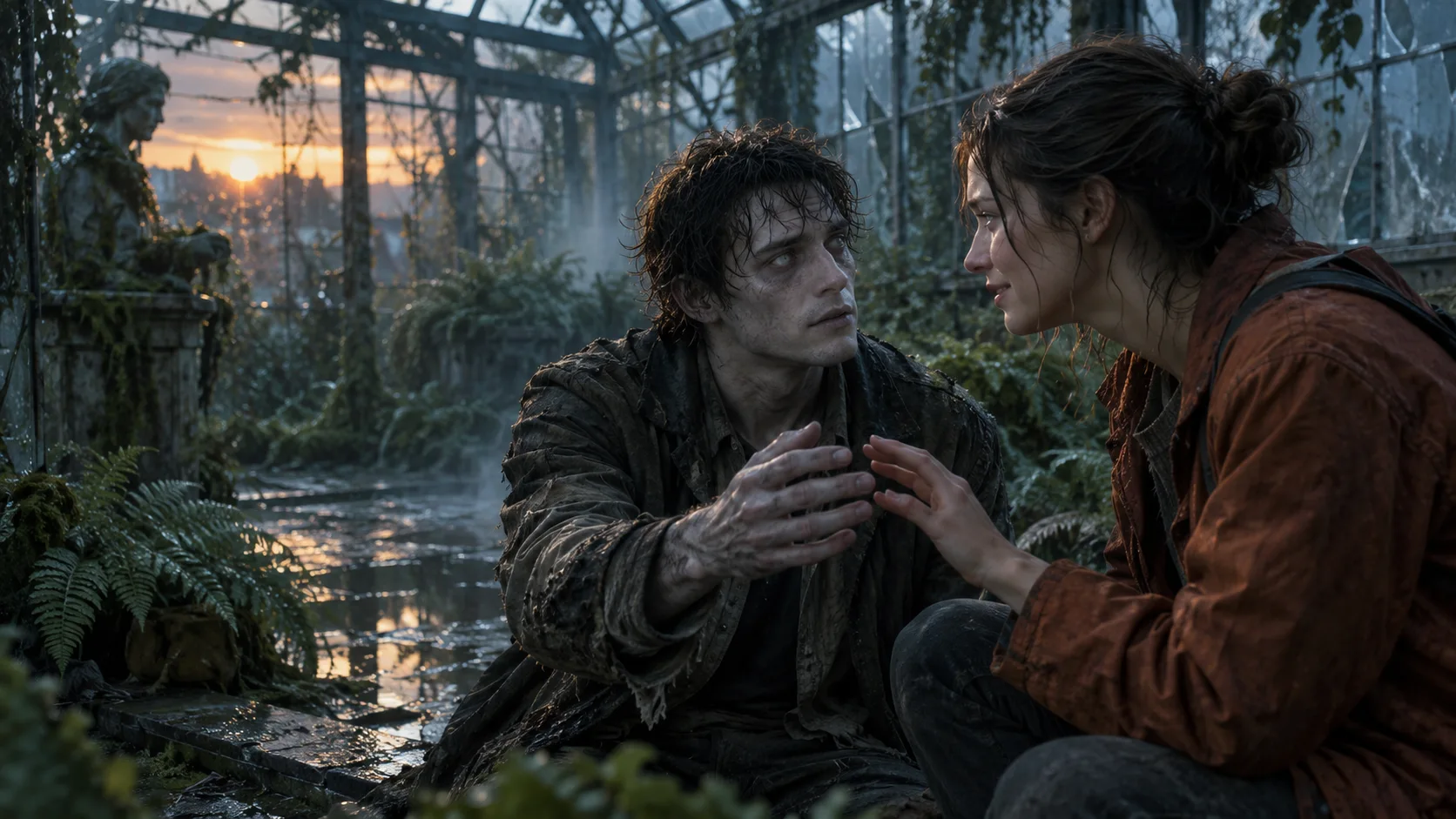
AI Zombie
A reunion at the end of the world. A small transformation. An unexpected companion. Turn a zombie idea into an original short scene.
 Characters & stories
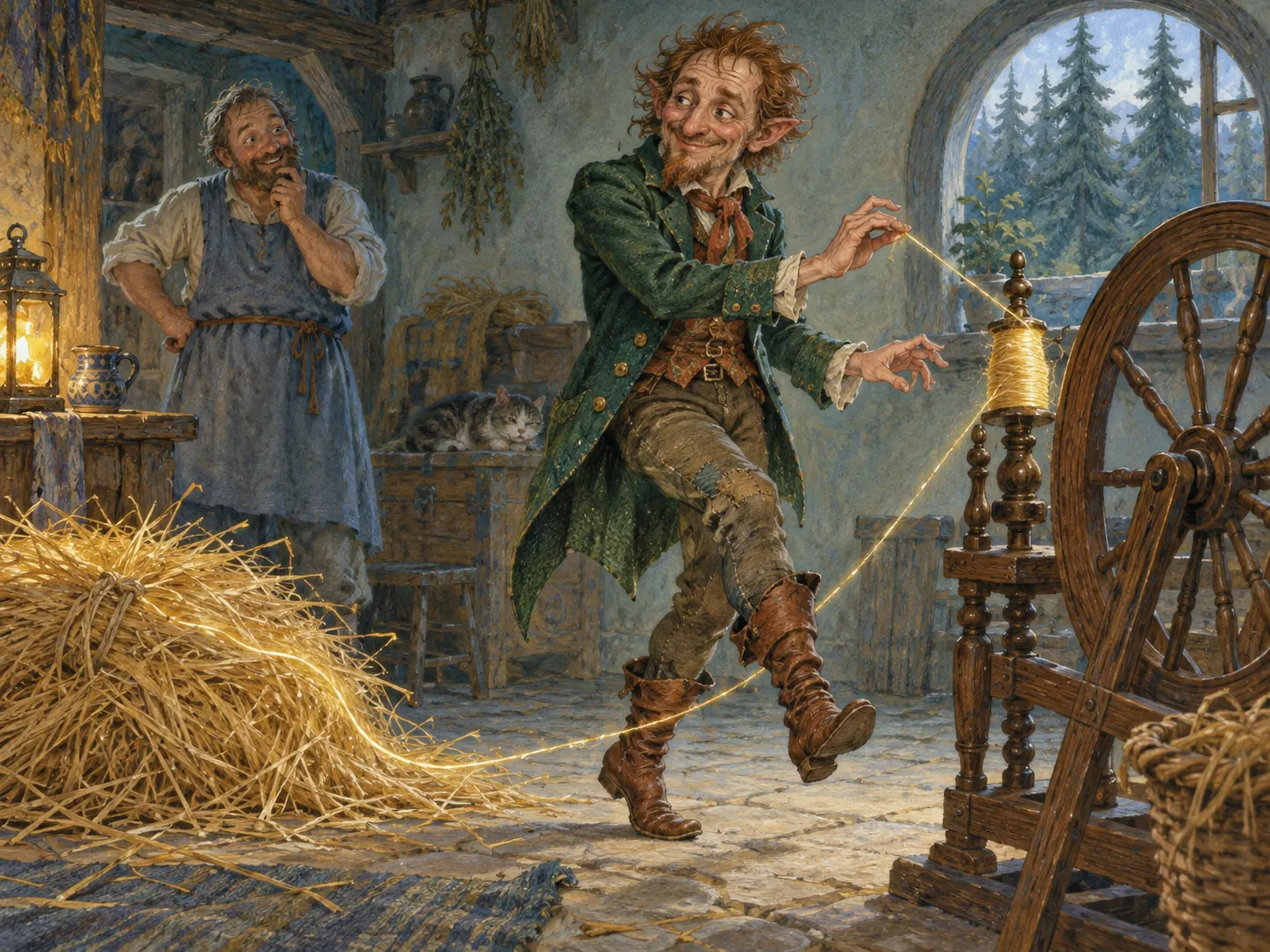
Rumpelstiltskin
A spinning wheel, a golden reveal and an odd little dance. Build an original Rumpelstiltskin-inspired scene with a character of your own.
 Motion graphics
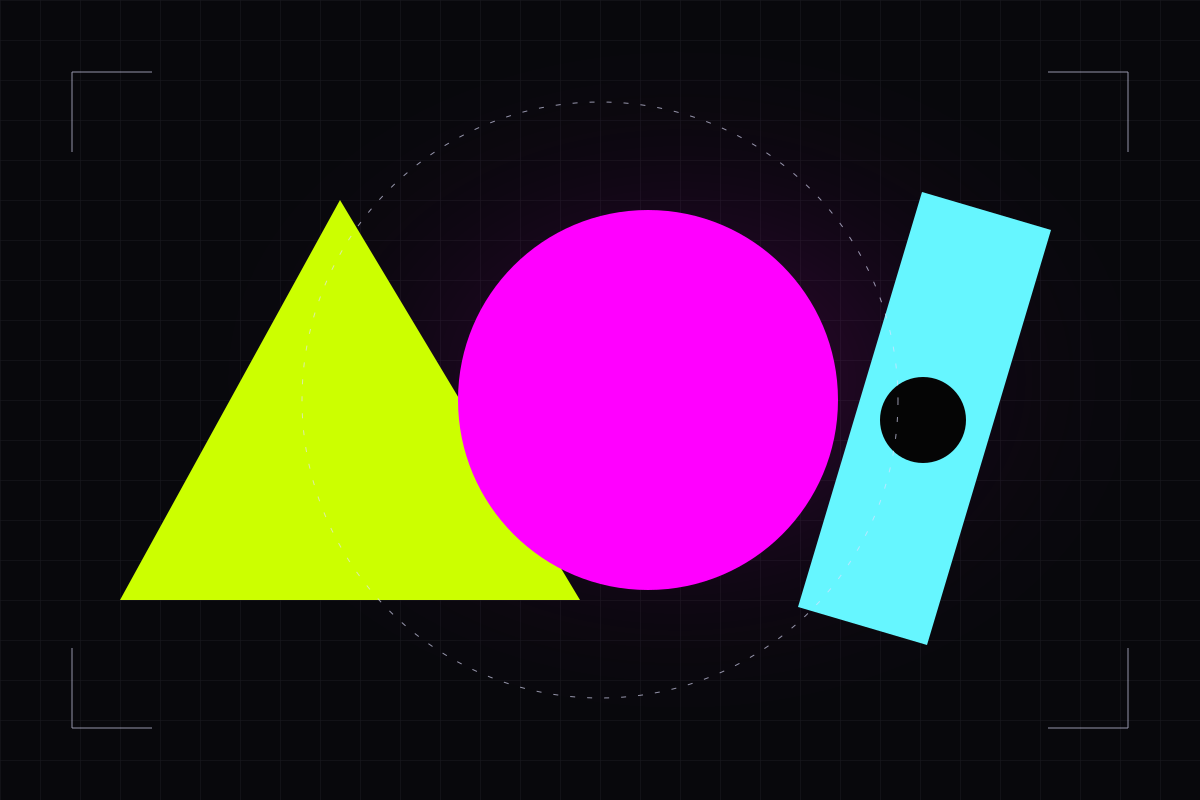
AI Motion Graphics
Bold shapes, product reveals and clean title backgrounds. Describe one movement, then create a short motion graphic to finish in your editor.
 Music & performance
Burning Bridges AI
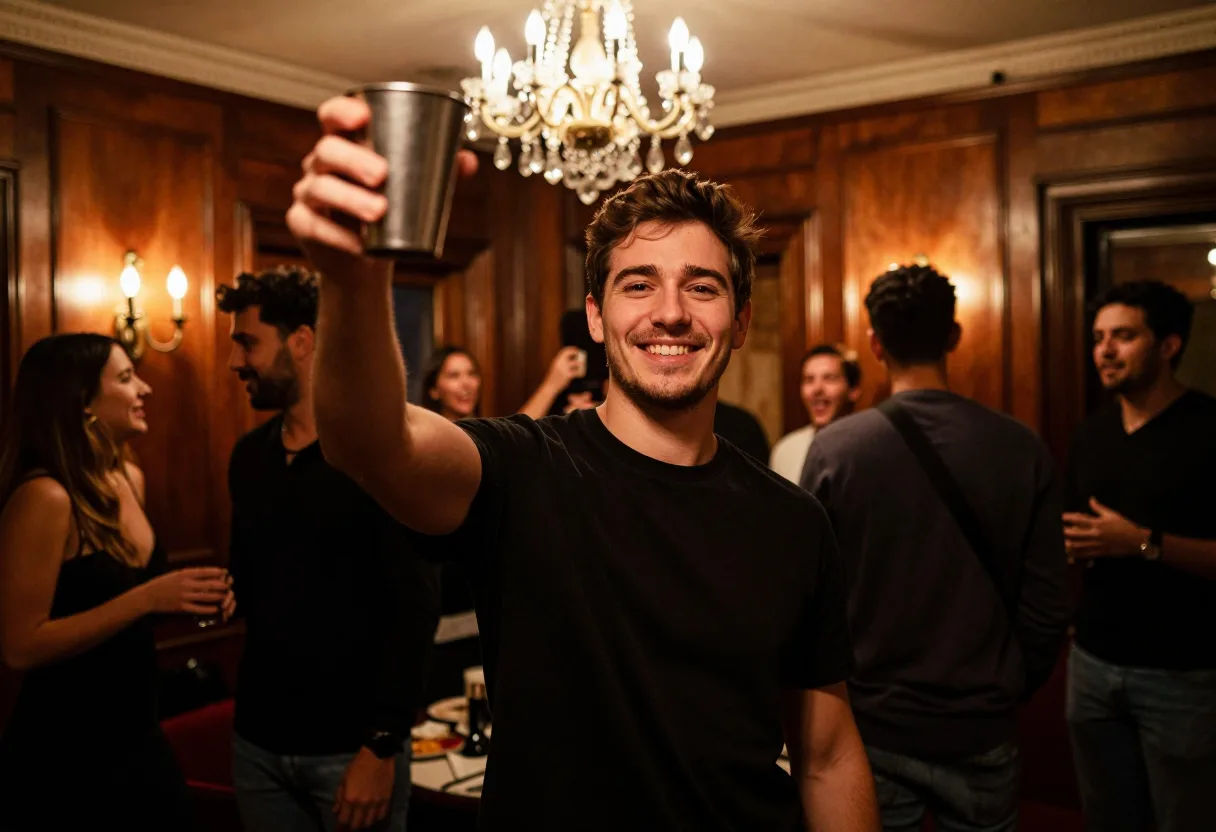
Build an original party entrance with a bold outfit, a small gesture and a room full of atmosphere. Bring your own character to the Burning Bridges-inspired format.
Characters & storiesTip Toeing in My Jordans
Create your own take on the tiptoe meme: a tiny entrance, an exaggerated pose and one unexpected setting. Start with an original character and a simple movement.
 Music & performance
AI Rapper
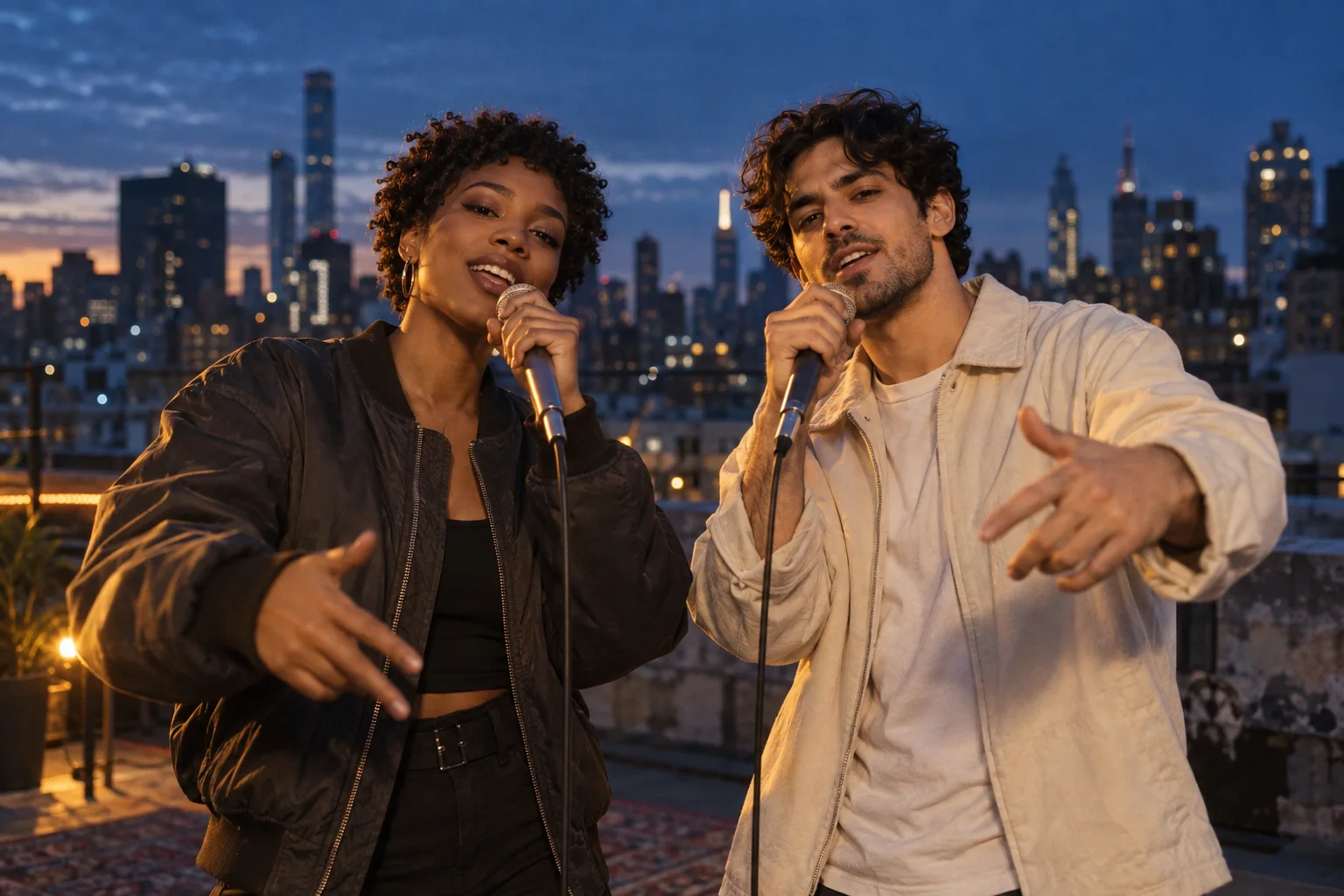
A rooftop performance, an orange studio or a dramatic spotlight. Create an original rapper visual with a clear pose, confident movement and your own direction.
What is ViralRot Studio
A workspace for prompt-led AI video generation: choose a visual idea, review model settings, follow task progress and download the completed clip.

Rot Console map
Prompt → preset → preview → export
Track 01
Image-guided generation
Upload a reference image and describe the motion or scene you want the selected model to generate.
Track 02
Task progress and preview
Follow generation progress, preview the finished clip and download the MP4.
Track 03
Credit-friendly
Preset costs are visible before generation, so every experiment has a clear credit budget.
Why creators switch to ViralRot
Start with original visual ideas and refine the scene for your channel.

01
Viral-native
Explore short-form prompt ideas for TikTok, Reels and YouTube Shorts.
02
Reference image support
Guide a supported model with your own reference image. Add captions and overlays in your preferred editor.
03
Iterate on ideas
Generate multiple variants for the same idea and keep the best one for your channel.
Three steps to rot
Choose a creative preset, describe your scene, then preview and download the completed clip. Generation time varies by model and availability.
Choose a preset
Choose a creative mode and an available video model.
Describe the bit
Describe the subject, action, setting and camera motion. Check the credit cost before submitting.
Export & post
Download the completed MP4, review it and add any final edits before posting.
Viral Video Studio feature set
Generate visual clips from text prompts, review them and finish your edit for TikTok, YouTube Shorts or Reels.
Module 01
Vertical video generation
Generate portrait clips for short-form formats with supported model settings.
Module 02
Model-specific settings
Choose from the durations, resolutions and reference-image options supported by the available model.
Module 03
Template playbooks
Start from TikTok, Reels and Shorts patterns instead of a blank prompt box.
Module 04
Credit-aware rendering
See model lane, duration, resolution and credit cost before creating a task.
Module 05
Example format gallery
Browse example clips and open original prompt starters. Examples are inspiration, not a guarantee of generated results.
Module 06
Creator workflow
Prompt, track progress, preview and download. Finish captions, music or overlays in your editor.
VIDEO PLAYBOOKS
Read Viral Video Radar
Explore prompt examples, short-video workflows and product guides in our blog. Bookmark it to check for new articles.
Read the latest guides
Updates are published on the blog. Email subscriptions are not available yet.
Viral Video Studio FAQs
Need more info? Email support@viralrot.com
A Viral style is a creative starting point for your prompt, such as a quick hook, UGC ad concept or surreal remix. Generated results vary; review and edit them for your channel.
CALL TO ACTION
Create Viral Videos Faster
Start with a prompt, choose your video settings and review the result before sharing it on TikTok, Reels or Shorts.
Prompt presetsSocial-ready