// STUDIO DUO / ORIGINAL TAKE

Bring your duo into the booth.

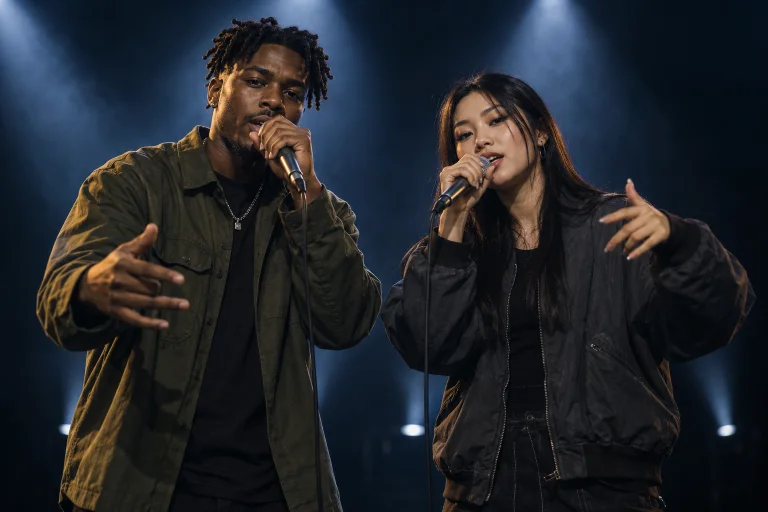
Explore the Migos-inspired studio format with two original performers, warm orange lighting and an easy shared rhythm. Build your own visual take.

AI concept artwork. Independent visual workflow; no artist affiliation, licensed song or celebrity voice is included.

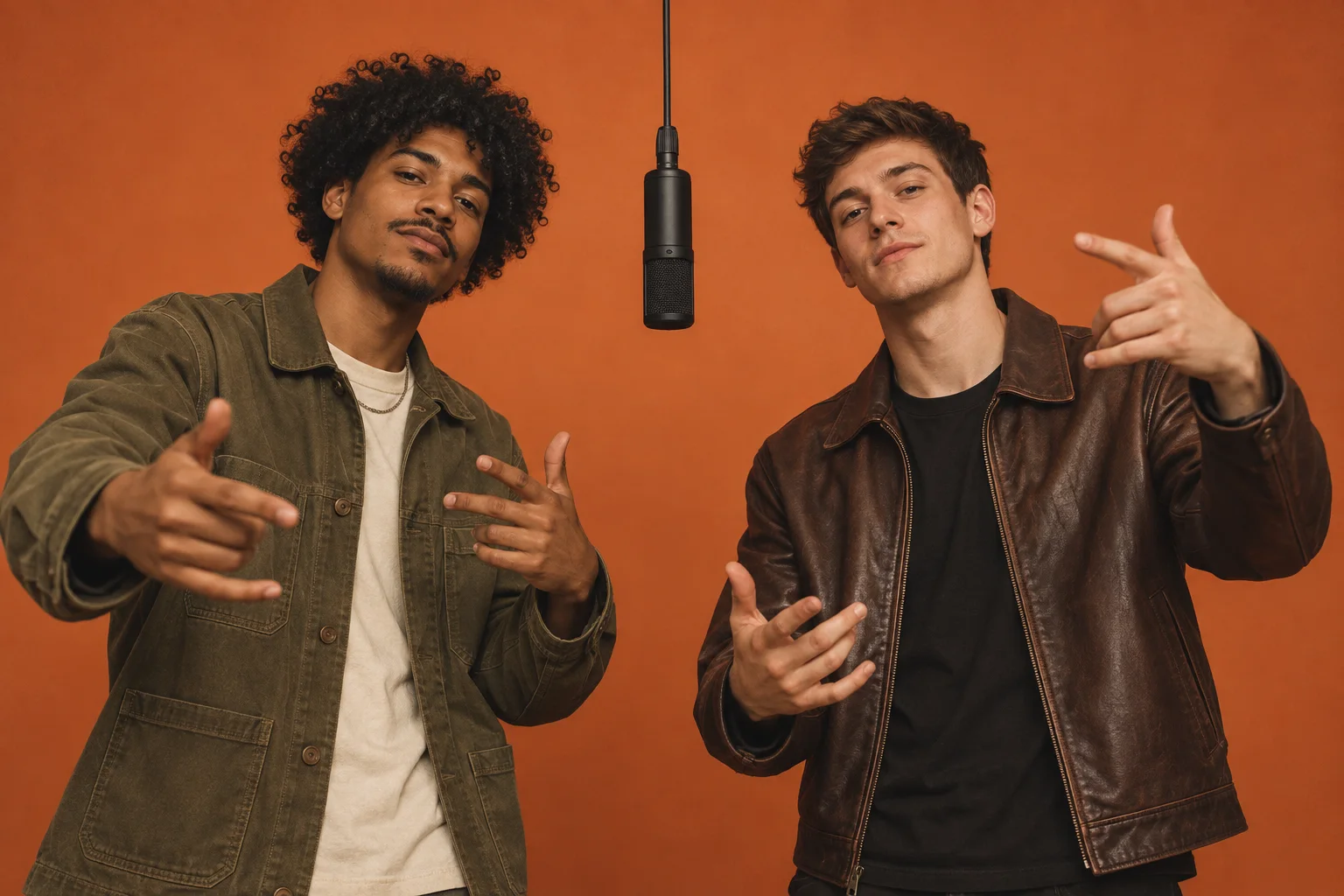
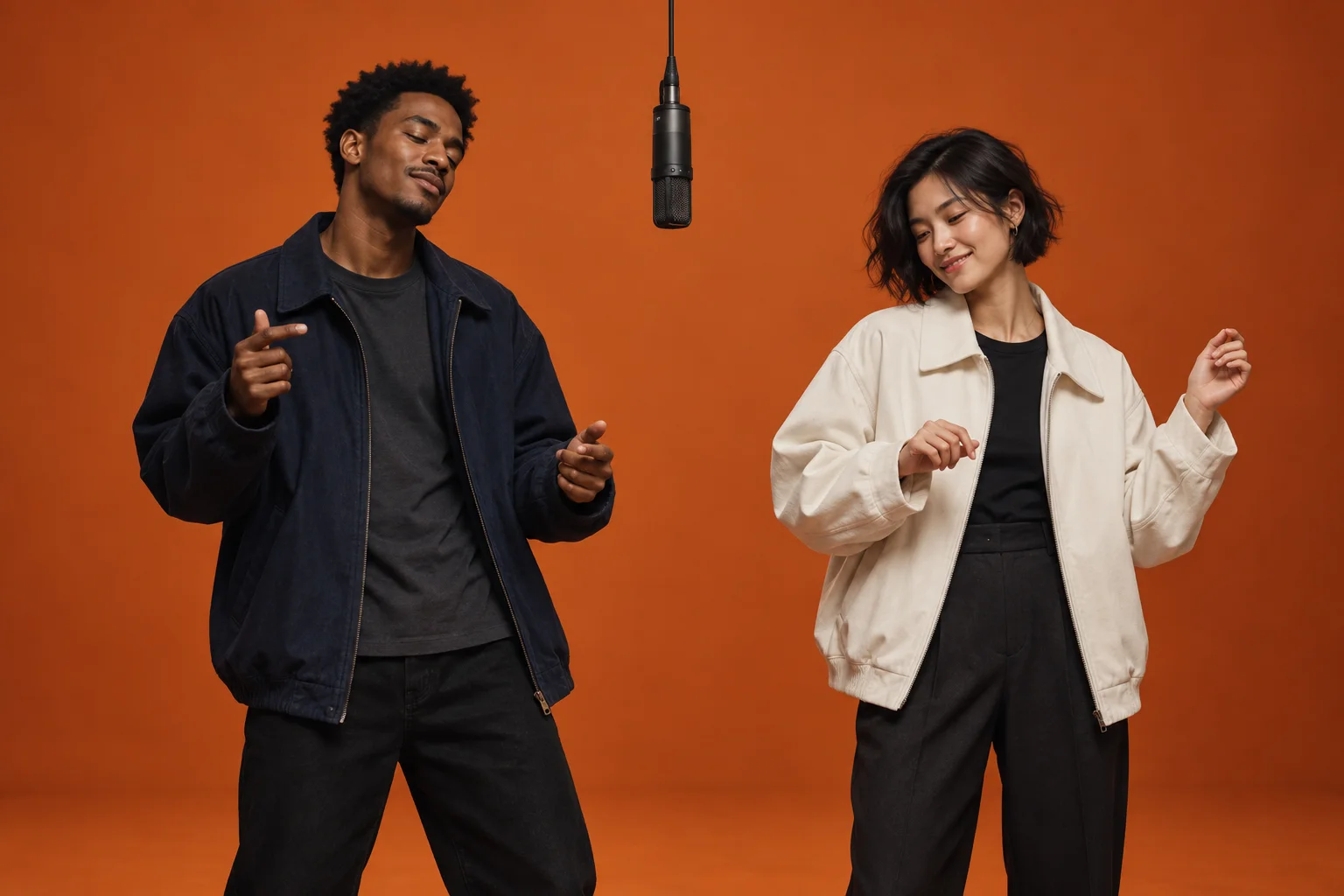
Original two-person performance concept in a warm orange recording booth.
Migos AI — Video styles

Migos AI

Create your Migos AI video

Your scene is ready to edit. Choose a model, add references if supported, review the credits and generate right here. Your task progress and finished video appear alongside the controls.

Your video idea

Draft is kept in this browser tab for this session. Reference files are not saved.

125 credits per clipBalance loads after sign inNeed more credits?

Checking your account…

Checking your account...
Video model
▼

Checking model availability…

Aspect ratio
Resolution
Duration
Creative settings · Viral Quick
Template presetChoosing a preset replaces your prompt
Creative mode
Platform target
Hook strategy
Visual intensity

These options guide the generated visuals. Add captions, voiceover and music in your editor after downloading.

Reference images · optional
Reference imageryChoose up to 2 images for this model
Your result
Original two-person performance concept in a warm orange recording booth.
Concept reference only. Your generated clip will replace this preview when it is ready.

Waiting for your task

Borrow the format. Create the characters.

Use a simple studio setup, two distinct outfits and one interaction. The starting prompts describe original performers rather than copying an artist, voice or music video. Add permitted audio after generation.

Pick a scene. Make it yours.

Three editable starting points. Choose a prompt to load it into the generator on this page, then review the model, settings and credit cost.

/ 01

Booth exchange

A short interaction around a studio microphone.

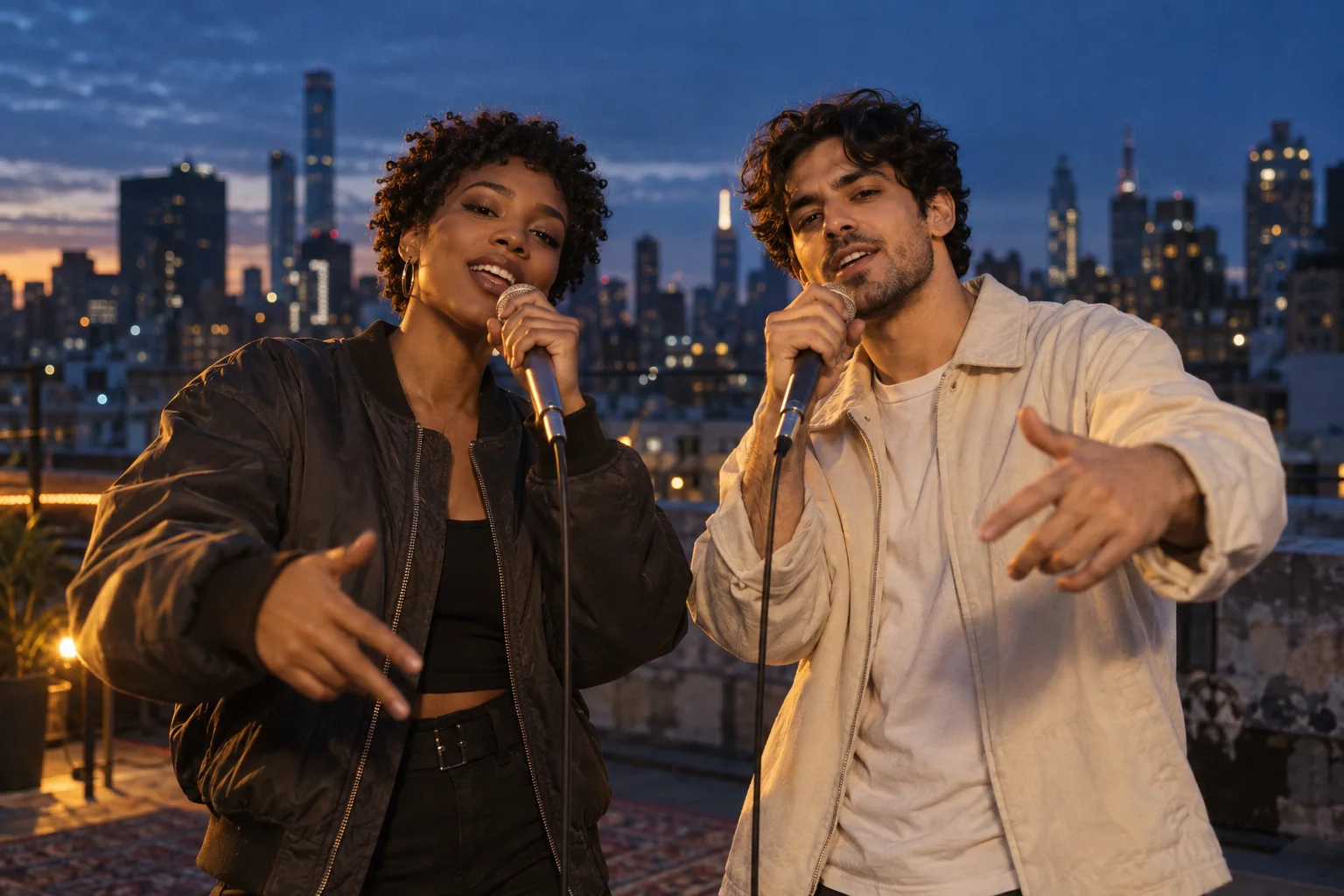
Two original adult performers in different streetwear outfits stand beside a studio microphone in an orange recording booth. One gestures toward the microphone while the other gives a subtle nod. Locked medium-wide shot, warm light, no celebrity resemblance, text or logos.
/ 02

Orange-room energy

Give a warm studio one clean visual beat.

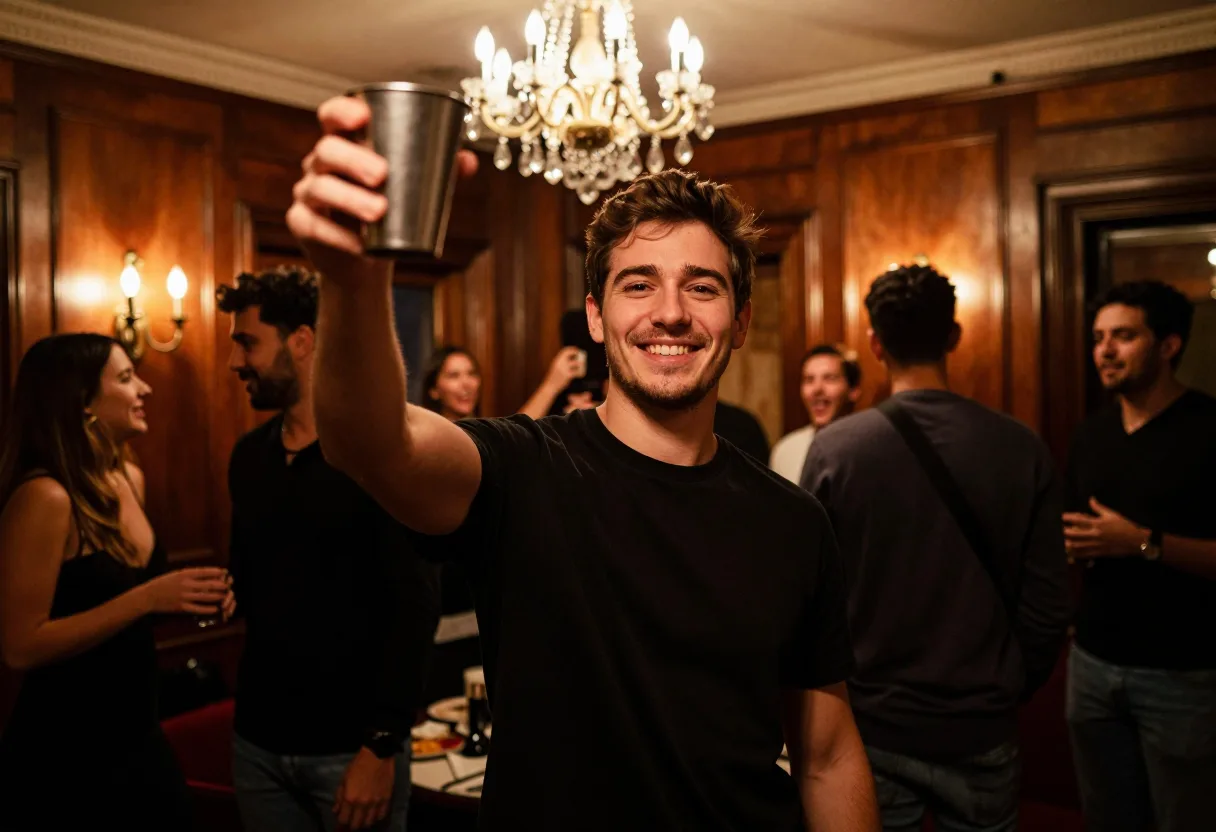
Two original adult friends in a warm orange studio make one small synchronized shoulder bounce, then look at each other and smile. One continuous medium shot, simple background, no artist imitation, text or logos.

/ 03

Character session

Make the duo completely your own.

An original blue robot and a small yellow cartoon bird share a recording booth, taking turns making playful gestures toward a microphone. Stylized 3D animation, warm orange light, one clear interaction, no text or logos.

From idea to your next clip.

Keep the creative direction. Make the details your own.

  1. 01

    Choose your direction

    Pick a scene below and edit the character, setting and one clear action. English starter prompts are editable; you can also write your own.

  2. 02

    Make it your own

    Use the generator above, select an available model and add your reference images if supported. Check format, duration and credit cost before generating.

  3. 03

    Review. Edit. Share.

    Preview and download your completed clip. Add your own captions, permitted audio and final timing in your preferred editor.

A few things before you create.

Does Migos AI copy the group or its voices?

The presets create original two-person studio scenes. They do not include the group, its recordings or cloned voices. Use your own characters and audio you have permission to publish.

Can I edit these prompts and add reference images?

Yes. Choose any starter to load it into the generator on this page, then edit it before submitting. Reference-image support, upload limits and settings depend on your selected model.

Does opening a prompt use credits?

Browsing, copying and loading a prompt do not create a video task. Choose a model and review its displayed credit cost; a task starts only when you submit it here.

Do I get music, captions or a finished social post?

These presets focus on visual clips. Audio capabilities vary by model and this workflow does not promise a song, voice clone, exact lip sync or captions. Add and review those elements in your editor before publishing.

Your next idea deserves a scene.

Your generator is on this page. Choose the model, check the settings and create your clip when you are ready.