// MOTION LAB / KEYFRAME 001

Give your ideas a little motion.

Bold shapes, product reveals and clean title backgrounds. Describe one movement, then create a short motion graphic to finish in your editor.

Original browser animation preview for creative direction. AI-generated clips can differ; this preview does not consume credits.

AI Motion Graphics

Create your AI Motion Graphics video

Your scene is ready to edit. Choose a model, add references if supported, review the credits and generate right here. Your task progress and finished video appear alongside the controls.

Your video idea

Draft is kept in this browser tab for this session. Reference files are not saved.

125 credits per clipBalance loads after sign inNeed more credits?

Checking your account…

Checking your account...
Video model
▼

Checking model availability…

Aspect ratio
Resolution
Duration
Creative settings · Viral Quick
Template presetChoosing a preset replaces your prompt
Creative mode
Platform target
Hook strategy
Visual intensity

These options guide the generated visuals. Add captions, voiceover and music in your editor after downloading.

Reference images · optional
Reference imageryChoose up to 2 images for this model
Your result
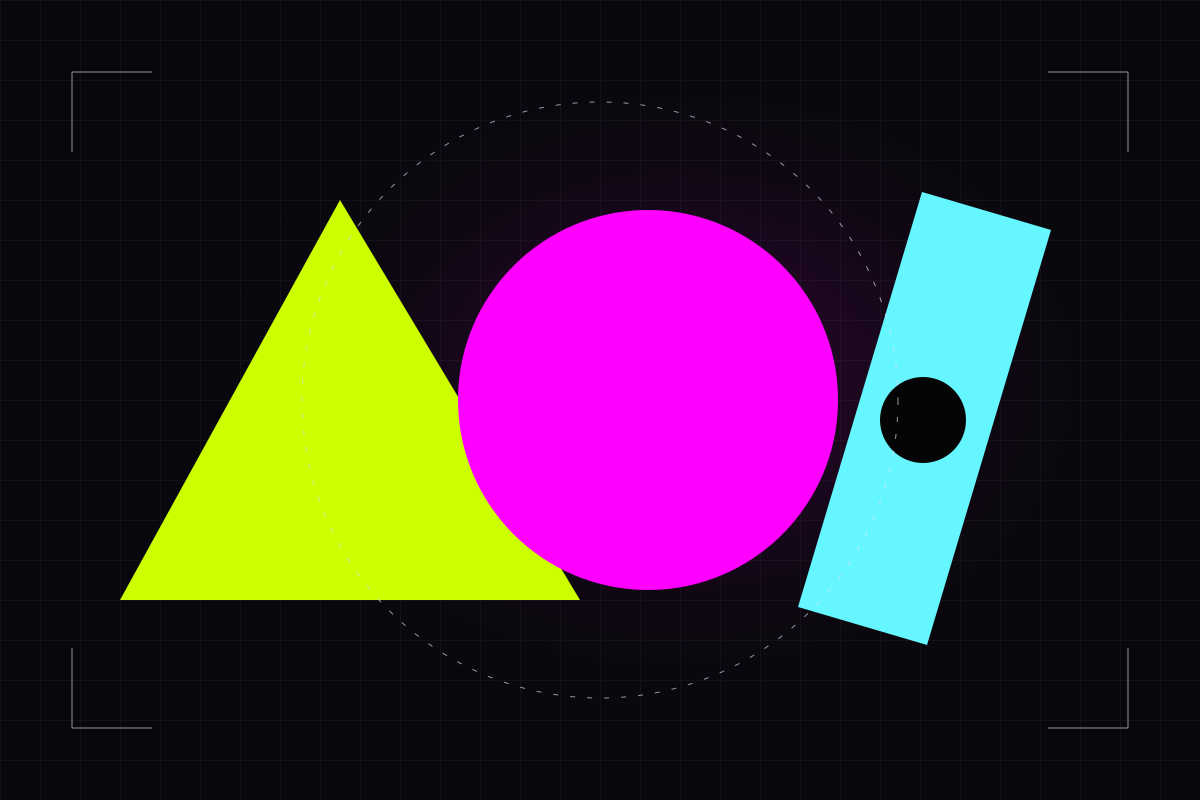
Original neon geometric motion concept on a dark grid.
Concept reference only. Your generated clip will replace this preview when it is ready.

Waiting for your task

One shape. One movement. A clear direction.

Start with a simple composition and describe timing, direction and camera position. Generate a background or product scene first; add exact typography, brand marks and final timing in your editing tool.

Pick a scene. Make it yours.

Three editable starting points. Choose a prompt to load it into the generator on this page, then review the model, settings and credit cost.

/ 01

Abstract loop

Simple geometry with a loop-friendly ending.

A matte lime triangle and a magenta sphere float against a dark charcoal background. The sphere makes one slow orbit around the triangle and settles near its starting position. Locked camera, clean geometric motion, soft studio shadows, no text or logos.
/ 02

Product orbit

A calm product shot with one precise camera move.

An unbranded silver bottle stands on a dark pedestal. A thin cyan ring slowly rotates around it while the camera makes a gentle quarter orbit. Minimal product motion graphic, clean reflections, one continuous scene, no text or logos.

/ 03

Title background

Keep the center clear for your own typography.

Abstract lime and cyan ribbons drift gently along the edges of a dark 16:9 composition, leaving the center empty for a title added later. Locked camera, restrained motion, crisp shapes, no rendered text or logos.

From idea to your next clip.

Keep the creative direction. Make the details your own.

  1. 01

    Choose your direction

    Pick a scene below and edit the character, setting and one clear action. English starter prompts are editable; you can also write your own.

  2. 02

    Make it your own

    Use the generator above, select an available model and add your reference images if supported. Check format, duration and credit cost before generating.

  3. 03

    Review. Edit. Share.

    Preview and download your completed clip. Add your own captions, permitted audio and final timing in your preferred editor.

A few things before you create.

Can I generate editable keyframes or exact title text?

This workflow generates a video clip, not an editable motion-design project. For exact wording, fonts, logos or frame timing, generate a clean background and add those elements in an editor.

Can I edit these prompts and add reference images?

Yes. Choose any starter to load it into the generator on this page, then edit it before submitting. Reference-image support, upload limits and settings depend on your selected model.

Does opening a prompt use credits?

Browsing, copying and loading a prompt do not create a video task. Choose a model and review its displayed credit cost; a task starts only when you submit it here.

Do I get music, captions or a finished social post?

These presets focus on visual clips. Audio capabilities vary by model and this workflow does not promise a song, voice clone, exact lip sync or captions. Add and review those elements in your editor before publishing.

Your next idea deserves a scene.

Your generator is on this page. Choose the model, check the settings and create your clip when you are ready.