UGC Pattern
Example creator format. Start a product-in-use visual prompt for Reels.
Explore surreal characters and scene ideas, then take an editable prompt into the video generator. Review the model and credit cost before creating a task; add captions and audio in your editor.
UGC Pattern
Example creator format. Start a product-in-use visual prompt for Reels.
A workspace for prompt-led AI video generation: choose a visual idea, review model settings, follow task progress and download the completed clip.
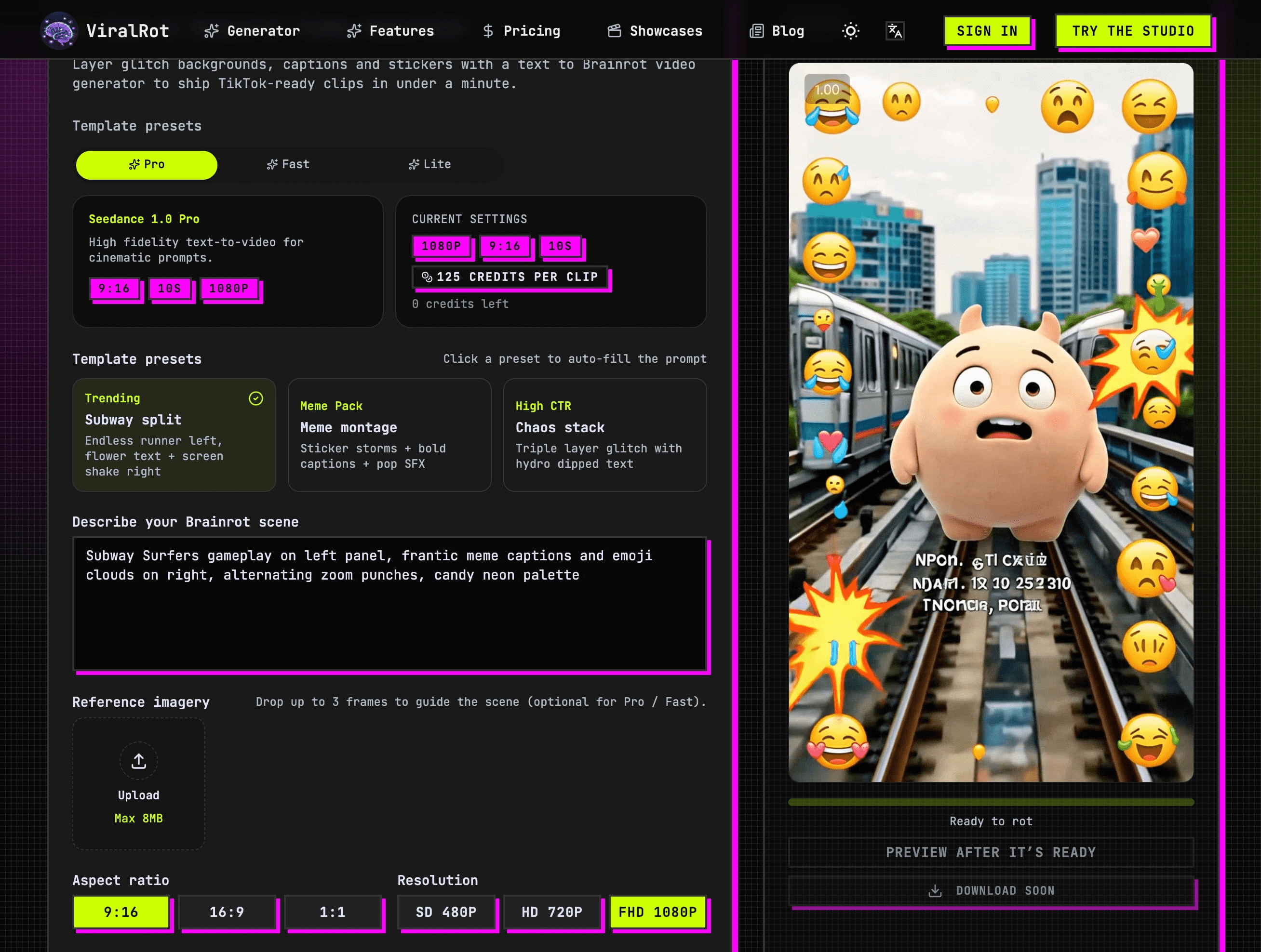
Rot Console map
Prompt → preset → preview → export
Track 01
Upload a reference image and describe the motion or scene you want the selected model to generate.
Track 02
Follow generation progress, preview the finished clip and download the MP4.
Track 03
Preset costs are visible before generation, so every experiment has a clear credit budget.
These reference illustrations suggest original scenes. Choose an idea to open a text prompt; the generator does not composite game footage or create a split-screen edit.
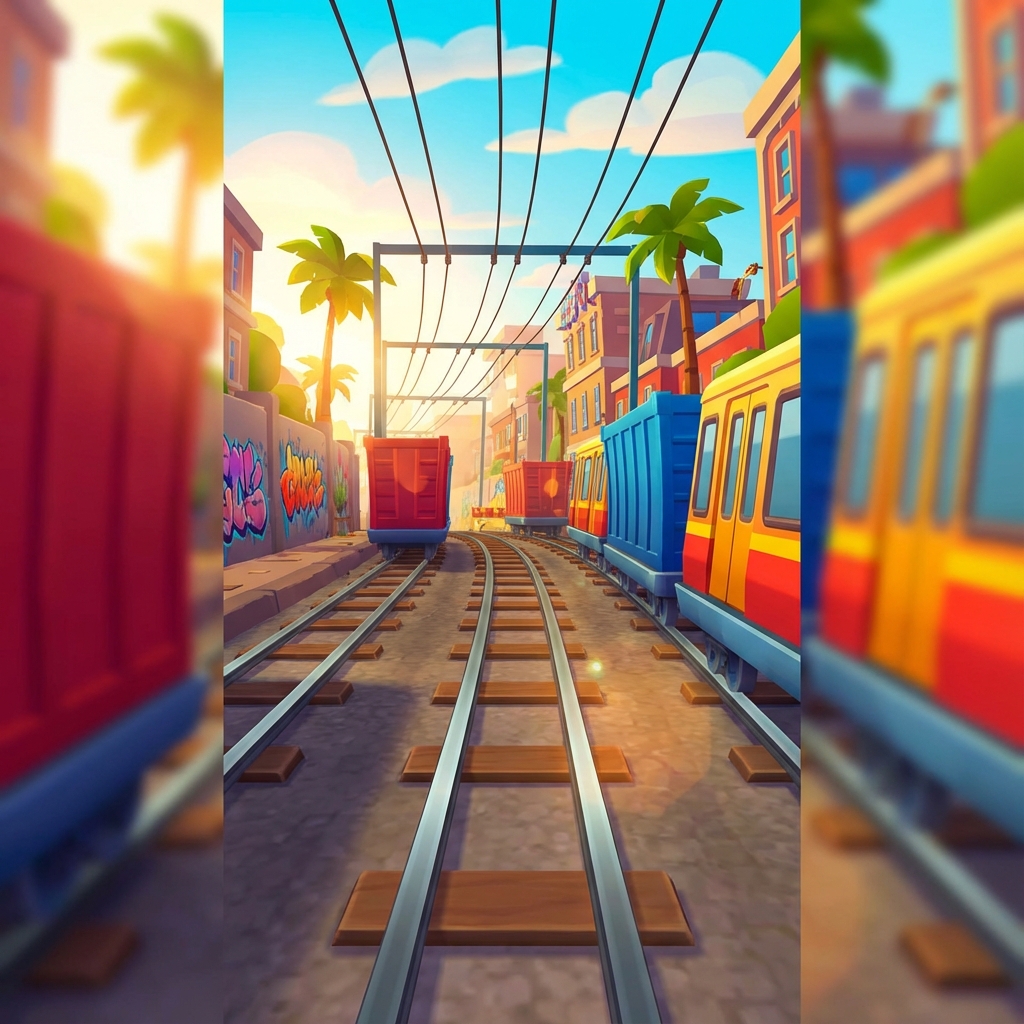
Illustration reference
Scene inspiration
Original prompt idea
Neon runner concept
A colorful moving scene as inspiration for an original runner clip.
An original small robot runs along a neon-lit walkway in a futuristic city. One continuous camera follow, colorful lights, vertical composition, no game branding, text or logos.
Use this scene idea →Compare three original visual ideas, then edit your chosen prompt in the generator. These choices guide the scene; captions, music and overlays need a separate editor.
Normie
SAFE
A simple subject, one action and a steady camera.
Prompt direction
An original lemon character gently waves from a sunny kitchen table. One continuous shot, steady camera, simple background, no text or logos.
Edit this prompt in generator →Hook Sprint
Example hook format. Start an original visual surprise prompt for TikTok.
Example #1
Example hook format. Start an original visual surprise prompt for TikTok.
Example media. Remix opens an original editable prompt; it does not import this clip or reproduce its edits.
UGC Pattern
Example creator format. Start a product-in-use visual prompt for Reels.
Example #2
Example creator format. Start a product-in-use visual prompt for Reels.
Example media. Remix opens an original editable prompt; it does not import this clip or reproduce its edits.
Meme Remix
Example meme format. Start an original surreal character scene for Shorts.
Example #3
Example meme format. Start an original surreal character scene for Shorts.
Example media. Remix opens an original editable prompt; it does not import this clip or reproduce its edits.
Social Proof Cut
Example proof-led format. Start a product demonstration without invented claims.
Example #4
Example proof-led format. Start a product demonstration without invented claims.
Example media. Remix opens an original editable prompt; it does not import this clip or reproduce its edits.
Brainrot Split
Example edited format. Start a single-scene surreal motion prompt; split-screen editing is separate.
Example #5
Example edited format. Start a single-scene surreal motion prompt; split-screen editing is separate.
Example media. Remix opens an original editable prompt; it does not import this clip or reproduce its edits.
Caption Burst
Example caption format. Generate a simple visual scene and add captions in your editor.
Example #6
Example caption format. Generate a simple visual scene and add captions in your editor.
Example media. Remix opens an original editable prompt; it does not import this clip or reproduce its edits.
Creator Loop
Example loop format. Start a motion prompt with a loop-friendly ending; results vary.
Example #7
Example loop format. Start a motion prompt with a loop-friendly ending; results vary.
Example media. Remix opens an original editable prompt; it does not import this clip or reproduce its edits.
Need more info? Email support@viralrot.com
A Viral style is a creative starting point for your prompt, such as a quick hook, UGC ad concept or surreal remix. Generated results vary; review and edit them for your channel.
CALL TO ACTION
Start with a prompt, choose your video settings and review the result before sharing it on TikTok, Reels or Shorts.